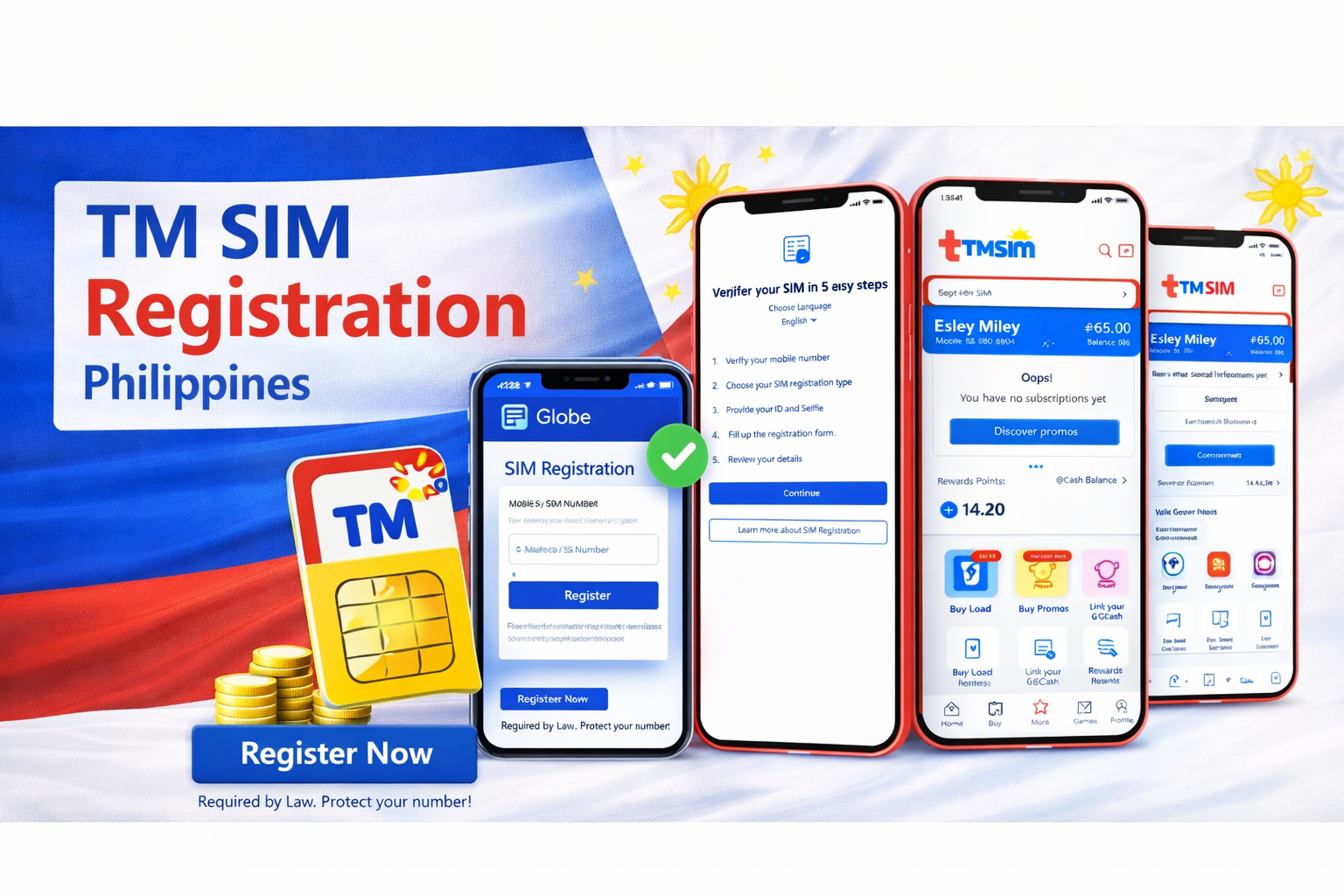
Registration SIM card TM is mandatory in Philippines, Due to the SIM Registration Act (Republic Act 11934), every TM user must register their SIM card to continue using calls, texts, and mobile data. If your SIM is not registered, it can be permanently deactivated by the telecom provider.
This guide explains how to register your TM SIM, the requirements, steps, and how to fix common errors during registration.
What Is TM SIM Registration?
TM SIM registration is the process of linking your TM mobile number with your real identity. You must submit your personal details and a valid ID on the official registration portal. The goal is to reduce scams, spam messages, and fraudulent activities.
Once registered, your SIM becomes verified and will remain active without interruption.
Who Needs to Register?
You must register if you are:
• A new TM SIM user
• An existing prepaid TM subscriber
• Using a pocket WiFi with TM SIM
• A foreigner using a Philippine TM SIM
Postpaid users are usually automatically registered by the network but may still be asked to confirm their information.
TM SIM Registration Requirements
Before starting, prepare the following:
Personal Information
• Full Name
• Date of Birth
• Gender
• Address
• Nationality
Valid Government ID (any one)
• Philippine National ID (PhilSys ID)
• Passport
• Driver’s License
• SSS ID
• UMID
• PRC ID
• Voter’s ID
• Senior Citizen ID
• School ID (for students)
Other Requirements
• Active TM SIM inserted in phone
• Stable internet connection
• Selfie photo for identity verification
For Minors: The SIM must be registered under the parent or legal guardian’s name.

Official TM SIM Registration Website
Open the official portal:
https://new.globe.com.ph/simreg
TM operates under Globe Telecom, so the same registration system is used.
How to Register TM SIM (Step-by-Step)
- Insert the TM SIM into your phone and turn on mobile data or WiFi.
- Visit the TM registration website.
- Enter your TM mobile number.
- You will receive a One-Time Password (OTP) via SMS.
- Enter the OTP code to continue.
- Fill in your personal details carefully.
- Upload a clear photo of your valid ID.
- Take a live selfie for verification.
- Review all information and submit the form.
- Wait for the confirmation message.
After successful registration, you will receive an SMS confirming your SIM is registered.
TM SIM Registration for Foreigners
Foreign nationals must provide additional documents:
• Passport
• Visa or entry permit
• Proof of address in the Philippines
• Return ticket (sometimes required)
Their SIM registration may be valid only for the duration of their stay.
How to Check if Your TM SIM Is Registered
You can confirm by:
• Receiving the confirmation SMS after registration
• Logging into the registration portal again
• Calling *143# and checking account services
If your SIM still works normally (calls, texts, data), it is usually registered.
Common Problems and Fixes
OTP Not Received
Turn airplane mode on and off, restart phone, and ensure signal is available.
ID Upload Failed
Use good lighting, place ID on a flat surface, and avoid blur or glare.
Selfie Verification Error
Remove hats, glasses, and masks. Your face must be clearly visible.
Website Not Opening
Try late night or early morning. The server is often busy during peak hours.
What Happens If You Don’t Register?
If you fail to register:
• Outgoing calls will stop
• Incoming calls disabled
• SMS disabled
• Mobile data blocked
• SIM permanently deactivated
Once deactivated, your number cannot be recovered.
Important Tips
• Register only on the official website
• Never share OTP codes with anyone
• Avoid agents asking payment for registration
• Do not upload fake or edited IDs
TM registration is completely FREE.
Frequently Asked Questions
Is TM registration free?
Yes, there is no charge.
Can I register multiple SIMs?
Yes, as long as they are under your name.
Can I change my details later?
You must contact Globe customer support for corrections.
Can I register without a valid ID?
No, a government-issued ID is mandatory.
Conclusion
TM SIM registration is now mandatory for all users in the Philippines. The process is simple and takes only a few minutes if you prepare your ID and personal information in advance. Completing registration ensures uninterrupted service and protects your number from deactivation.
Register your TM SIM as soon as possible to keep your calls, texts, and mobile internet active and secure.